Robot Vacuums for Multi-Floor Homes: How Mapping Actually Works (2026)
As an Amazon Associate I earn from qualifying purchases. Prices and availability are accurate as of the date/time indicated and are subject to change.
🔍 How this guide was put together (Editorial Standards)
This guide compares options using published manufacturer specifications, patterns in publicly visible owner reviews, and reputable expert sources. We do not operate a physical testing lab; see our how-we-research page for details.
EDITOR'S PICKS
Top Picks
TOP PICK

ECOVACS DEEBOT T50 PRO Omni Robot Vacuum and Mop
AIVI 3D obstacle avoidance + auto mop wash/dry — built for complex multi-room layouts, not specifically marketed multi-floor but mapping tech applies.
RUNNER-UP

ECOVACS DEEBOT X11 OMNICYCLONE Robot Vacuum and Mop
PowerBoost fast-charging reduces the 'ran out of battery mid-second-floor' problem common on multi-level homes.
BEST VALUE

dreame D30 Ultra Robot Vacuum and Mop
TriCut detangling brush — relevant if the robot gets carried between floors with different flooring/hair situations.
📑 Table of contents
If you carry a robot vacuum upstairs to clean a second floor, most models don’t just “figure it out” again each time — they either re-map from scratch (slow, wastes battery scanning instead of cleaning) or, on better models, save multiple floor maps and let you pick which one you’re on. That distinction matters more than almost any other spec if you actually plan to move the robot between levels.
Multi-floor map storage — the feature to check before buying
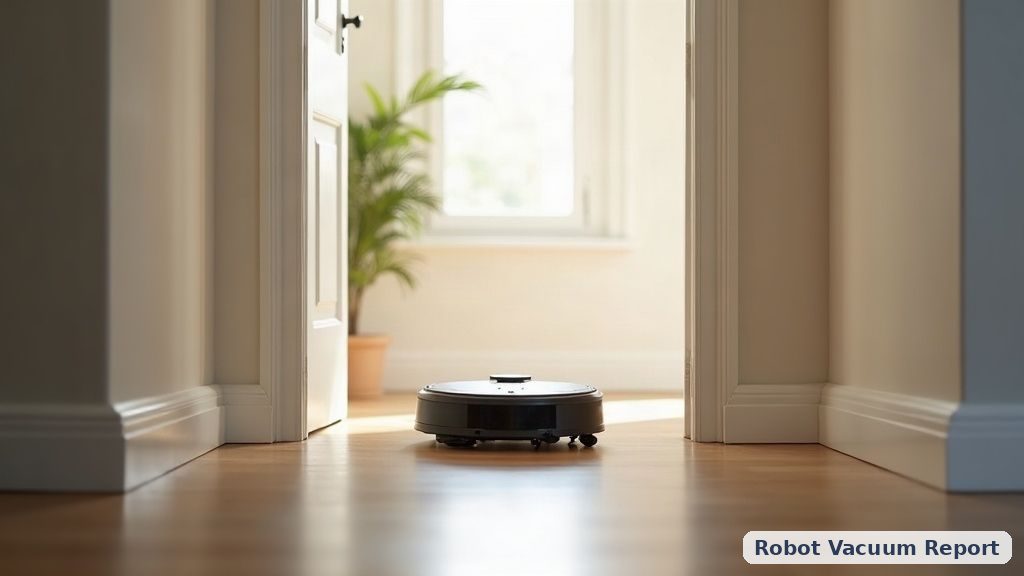
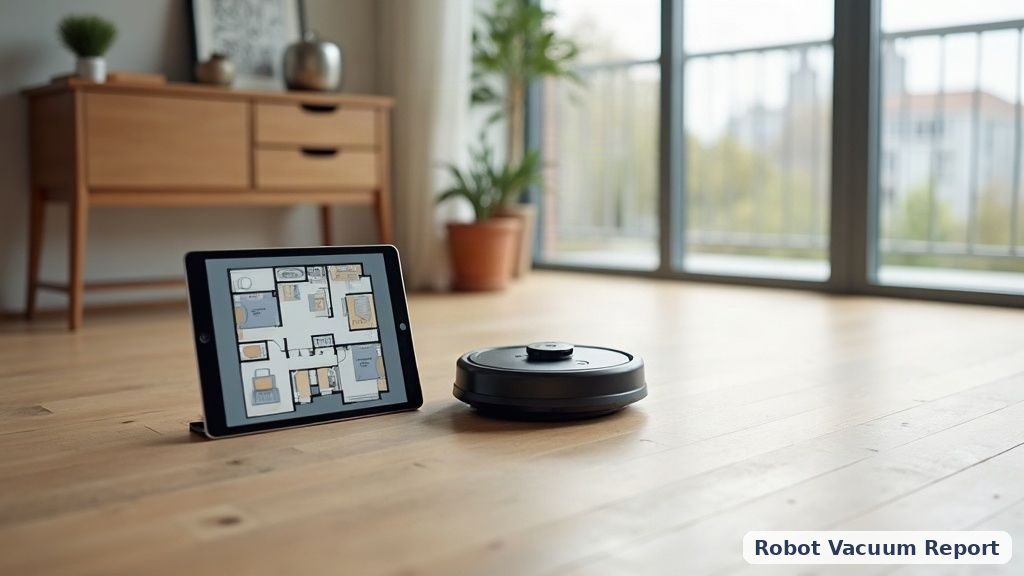
Look specifically for “multi-floor mapping” or “multi-level map storage” in the spec sheet — NOT just “smart mapping” (which usually just means one saved map, re-drawn each time you move the robot). Models with true multi-floor support let the robot recognize which floor it’s on (often via a manual toggle in the app) and load the CORRECT saved map instantly instead of re-scanning the whole space.
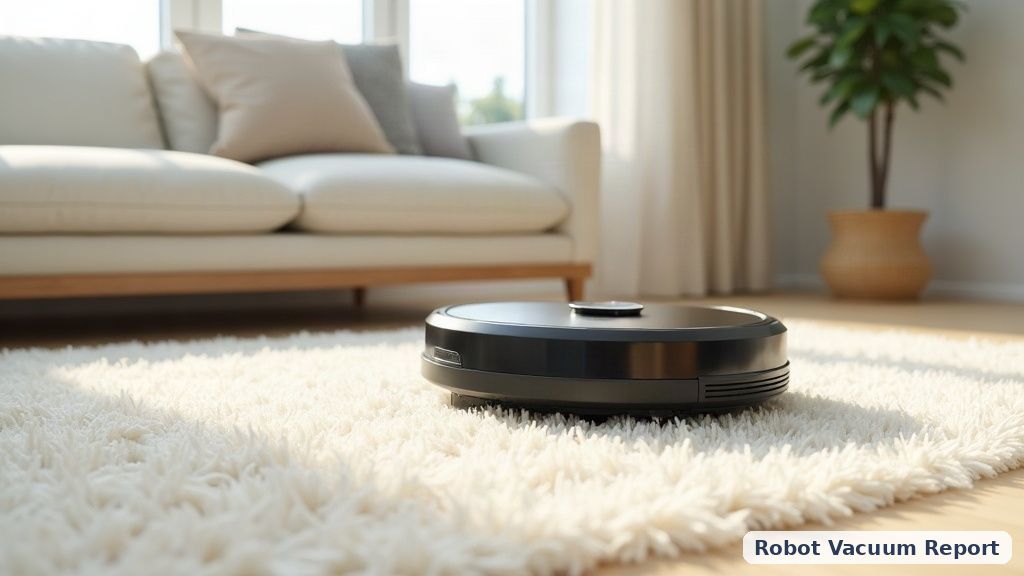
Does carrying the robot between floors damage it?
No — robot vacuums are designed to be picked up (that’s how you get them past stairs, since none of them can climb steps). The concern is purely software: if the robot doesn’t have floor-specific maps saved, being picked up and set down in a different location triggers a “where am I” re-scan, which burns 5-10 minutes of battery just mapping instead of cleaning.
Battery life matters more on multi-floor setups
A robot that’s frequently interrupted (carried between floors, restarted on a different map) drains battery less efficiently than one running a single consistent daily route. Fast-charging (like the PowerBoost feature on the ECOVACS X11 pick above) reduces the practical impact of this — less downtime between the interruption and getting back to cleaning.
What we’d check in-store/before buying (that spec sheets don’t always make clear)
- How many floor maps can it store? (2 is the common minimum for “multi-floor,” some premium models go to 3-4)
- Does switching floors require the app, or does the robot auto-detect?
- Is there a base station per floor, or one station you also carry? (Some multi-floor setups genuinely use two docking stations — worth knowing before assuming one is portable.)
📚 Related In-Depth Analysis
- Compare findings with our guide on Do Robot Vacuums Work In The Dark.
- Compare findings with our guide on Robot Vacuum Suction Power Explained.
📚 Related In-Depth Analysis
- Compare findings with our guide on How To Prevent Robot Vacuum Pet Waste Accidents.
- Compare findings with our guide on How Often Run Robot Vacuum.
🔧 Interactive Planning Tool
Need exact measurements for your setup? Use our Furniture Clearance & Obstacle Navigator to Verify robot turret height against sofa clearance and carpet thresholds.
Related guides
- Best robot vacuum for pet hair
- Robot vacuum and mop combos compared
- Best budget self-emptying robot vacuum
Related: Obstacle avoidance